⚡ PC RECOMPILATION · WEBGPU 60 FPS · THE BLACKLIST 15
Need for Speed: Most Wanted
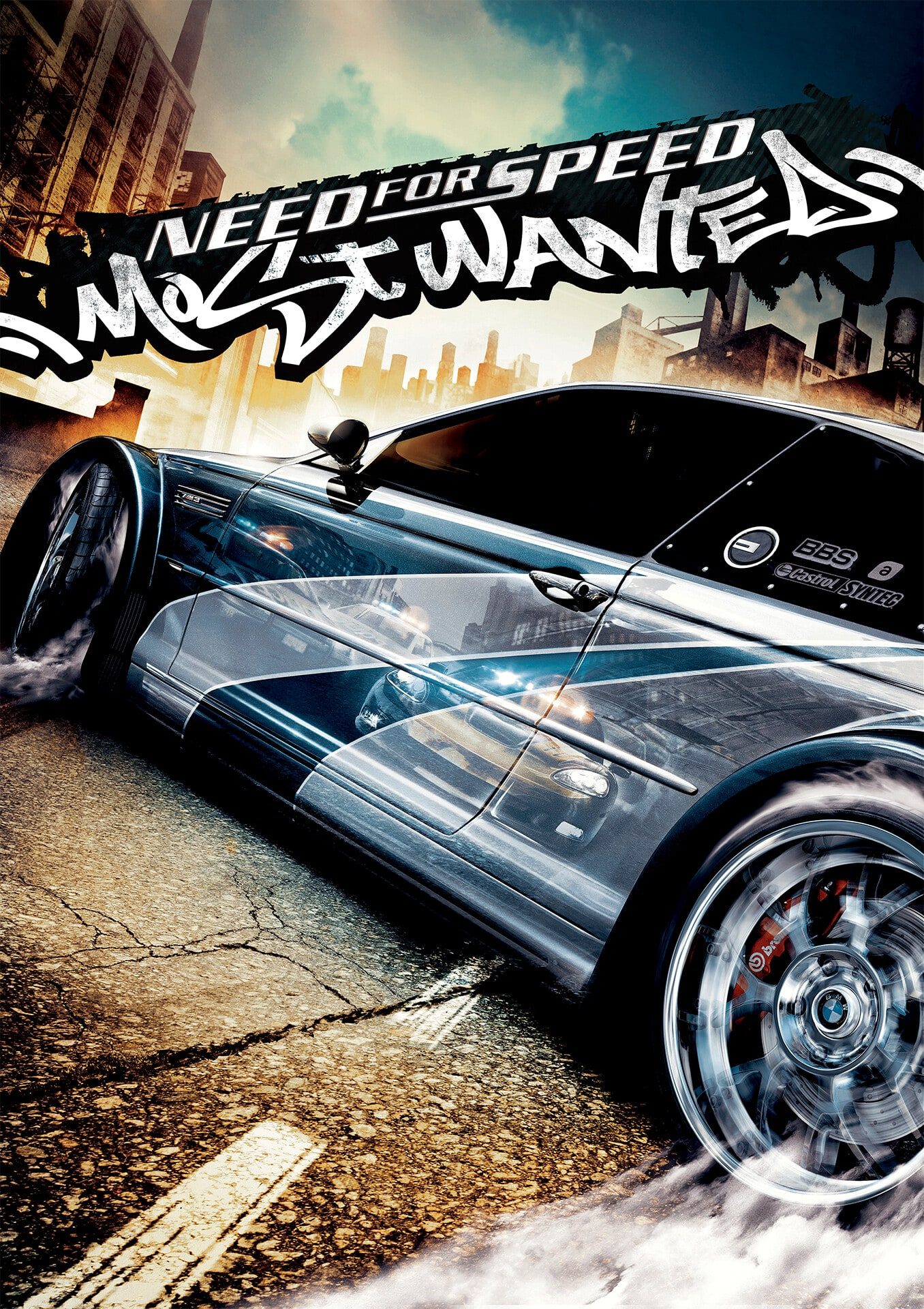
Step into Rockport City, evade aggressive police cruisers, and claw your way up the Blacklist to win back your prized BMW M3 GTR from Razor. Powered by a cutting-edge C++ static WebAssembly recompilation with hardware-accelerated WebGPU rendering, Need for Speed: Most Wanted (2005) runs directly in your browser with true 60 FPS performance, authentic physics, and instant cloud asset streaming.
Frame Rate
60 FPS Fixed
Rating
⭐ 5.0 / 5.0
Blacklist
15 Boss Rivals
Controls
Keyboard & Gamepad
Key Features & Engine Highlights
- Full Blacklist 15 Career: Experience the complete storyline, pink slip boss duels, bounty milestones, and the ultimate high-speed highway escape.
- Native WebGPU & WebAssembly: Recompiled from the original PC v1.3 binary with D3D9 translation, offering smooth 60 FPS gameplay, dynamic motion blur, and ambient lighting.
- Relentless Police Pursuits: Heat levels 1 through 5 featuring undercover cruisers, federal Corvettes, roadblock spike strips, and aggressive pursuit helicopters.
- Browser OPFS Storage: Your career profiles, custom tuned cars, vinyls, and unlocked performance upgrades persist directly in your browser storage.
- Gamepad & Mobile Touch: Full Xbox/PlayStation controller support with analog steering, plus custom touch controls with Gas, Brake, Handbrake, NOS, and Speedbreaker buttons.
Default Controls Reference
| Action | Keyboard Key | Gamepad Button |
|---|---|---|
| Accelerate (Gas) | Up Arrow / W | Right Trigger (RT / R2) / A |
| Brake / Reverse | Down Arrow / S | Left Trigger (LT / L2) / X |
| Steering (Left / Right) | Left / Right Arrows / A / D | Left Thumbstick / D-Pad |
| Handbrake (Drift) | Spacebar | B Button / Circle |
| Nitrous Boost (NOS) | Right Shift / Alt / N | A Button / Cross |
| Speedbreaker (Bullet Time) | Right Ctrl / B | Right Stick Click (RS) |
| Look Back (Rear View) | L | Right Bumper (RB) |
| Reset Car on Track | R | Y Button / Triangle |
| Pause / Options Menu | Esc | Start / Menu Button |
| Toggle Fullscreen | F | Fullscreen Icon |