Need for Speed Most Wanted

Become the
Most Wanted.

Rockport. The Blacklist. Relentless pursuits.

Game files load automatically.
Progress is saved in this browser.

⚡ 1280×720 recommended for smooth 60 FPS. If you experience lag, select 960×540 or turn off Motion Blur in Options → Video.

Checking graphics card…
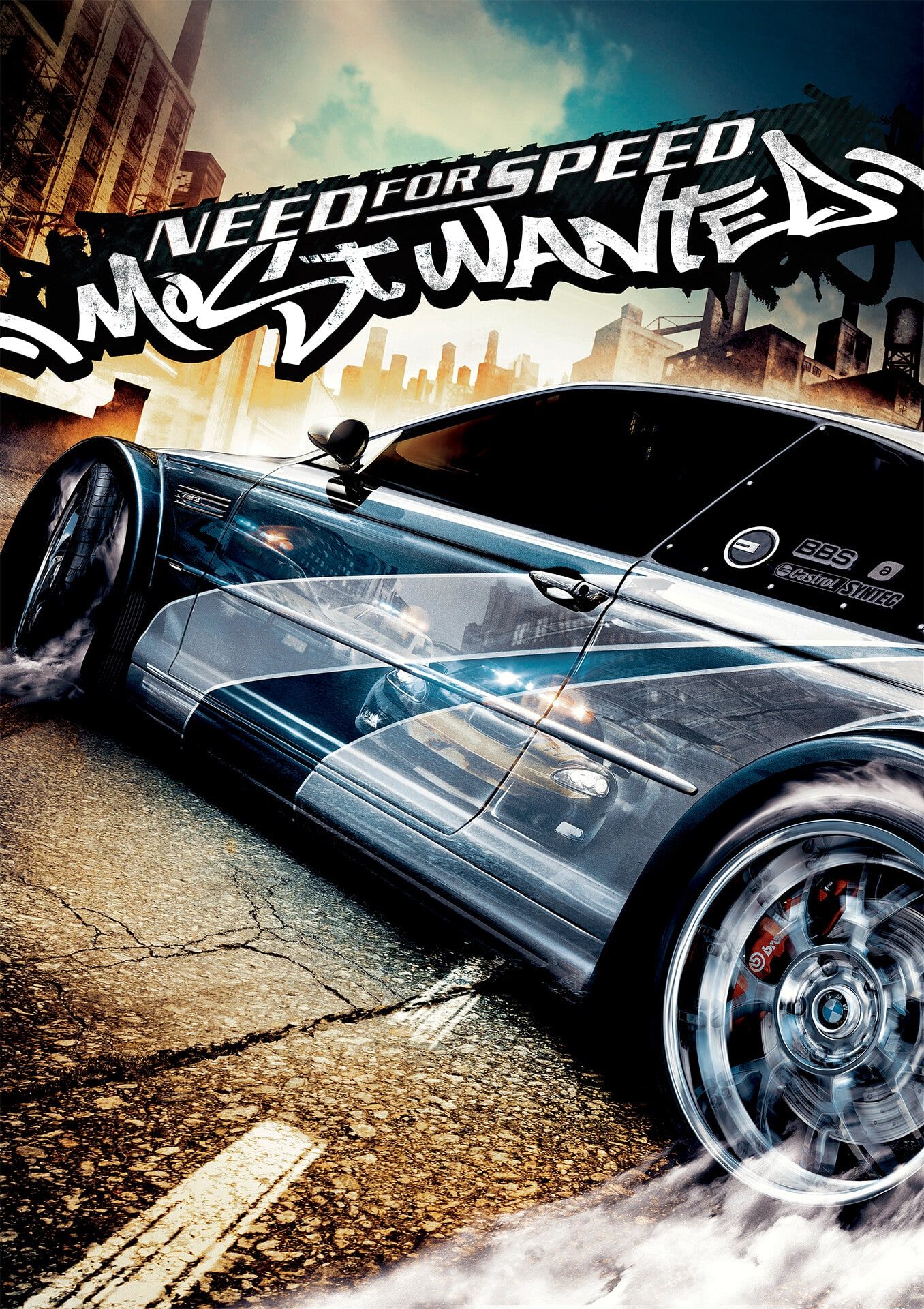
Original Need for Speed: Most Wanted poster with the BMW M3 GTR
Keyboard and gamepad Game language: English

Launch on a dedicated GPU

On laptops, Chrome may select integrated graphics. The page requests high performance, but the browser and Windows make the final choice.

  1. Fully close Chrome, including background processes.
  2. Press Win + R and run:chrome.exe --force_high_performance_gpu
  3. Open the game page on itch again.

For every launch: in the Chrome shortcut properties, add --force_high_performance_gpu after the path to chrome.exe in the Target field.

Chrome opens in your usual profile, with your existing saves. A new window of an already running Chrome will not apply this flag. If FPS is still low, reduce graphics or resolution in Options → Video — your choices are saved.